Start on any device
Install feellin.school.
Choose your device. We will show you exactly what to do, from opening feellin.school to adding a permanent icon to your Home Screen.
On this device
Choose your device
We only show the steps that apply to you.
Download the iPhone app
The full app, including practice on Apple Watch.

Add the web app to your Home Screen
Works in Safari and Chrome. Feellin.school will then open like a regular app.
- 1Open the web app
Tap “Open the web app” above.
- 2Tap the Share button
In Chrome, the Share button is next to the address bar. In Safari, it is at the bottom.
- 3Choose “Add to Home Screen”
If you do not see it immediately, scroll down in the Share menu.
- 4Tap “Add”
The feellin.school icon is now on your Home Screen.
Good to know: when you open the web app from its icon later, the browser bars disappear automatically.
Install the Android web app
No Play Store or account required. After installation, feellin.school appears among your apps.
- 1Open the web app in Chrome
Tap the button above. Google Chrome works best on your phone.
- 2Tap “Install feellin.school”
The installation card appears in the web app when installation is available.
- 3Confirm with “Install”
Android adds the web app to your Home Screen and app list.
- 4Open the new icon
From now on, feellin.school opens without browser bars.
No installation card?
Open Chrome’s three-dot menu and choose Install app or Add to Home screen. If neither option appears, the web app may already be installed.
Use the web app in your browser
Open feellin.school in Chrome, Edge or Safari. Nothing needs to be downloaded.
- 1Open the web app
You can start scanning and practising immediately.
- 2Optional: install it
In Chrome or Edge, choose the installation icon in the address bar or open the browser menu.
 Prefer your phone?
Scan this code with your camera.
Prefer your phone?
Scan this code with your camera.
What practice looks like
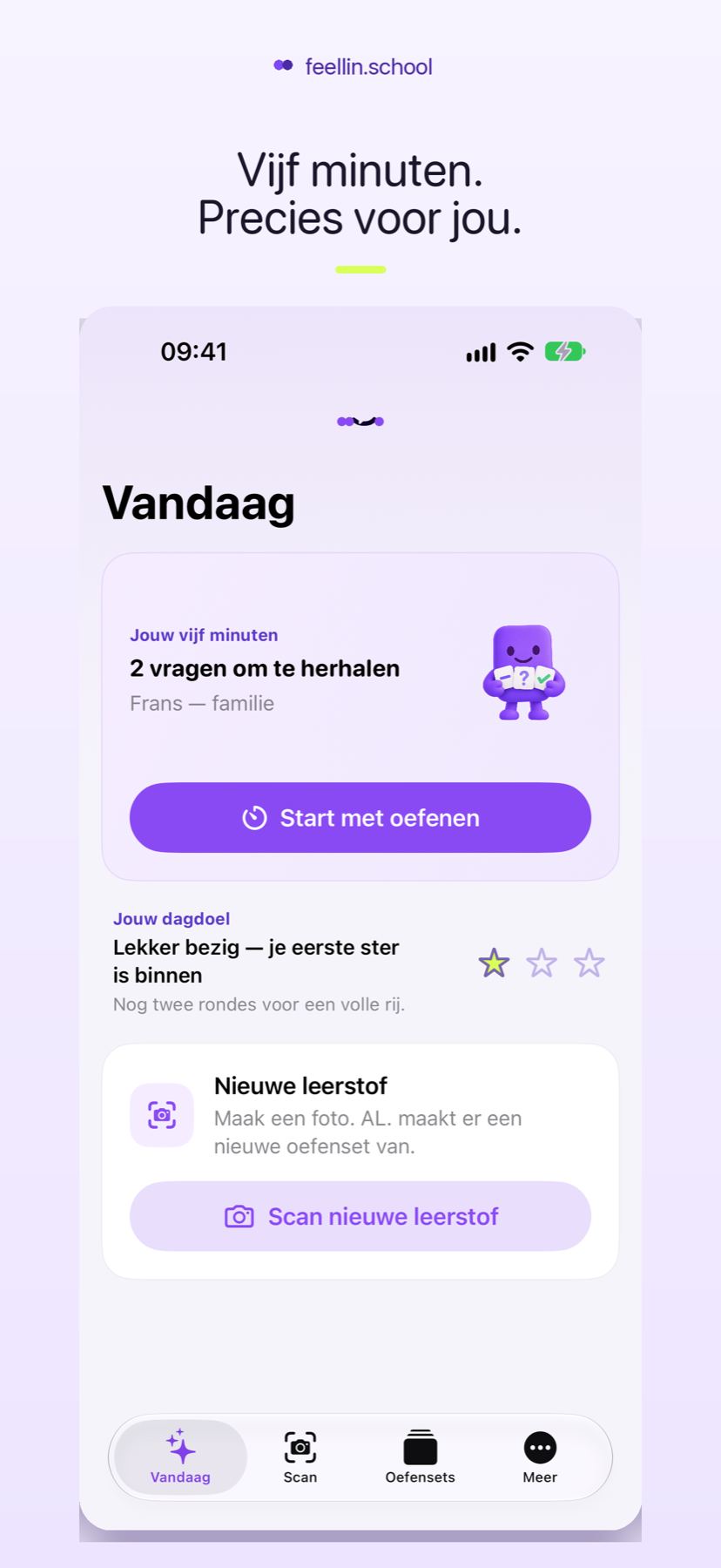
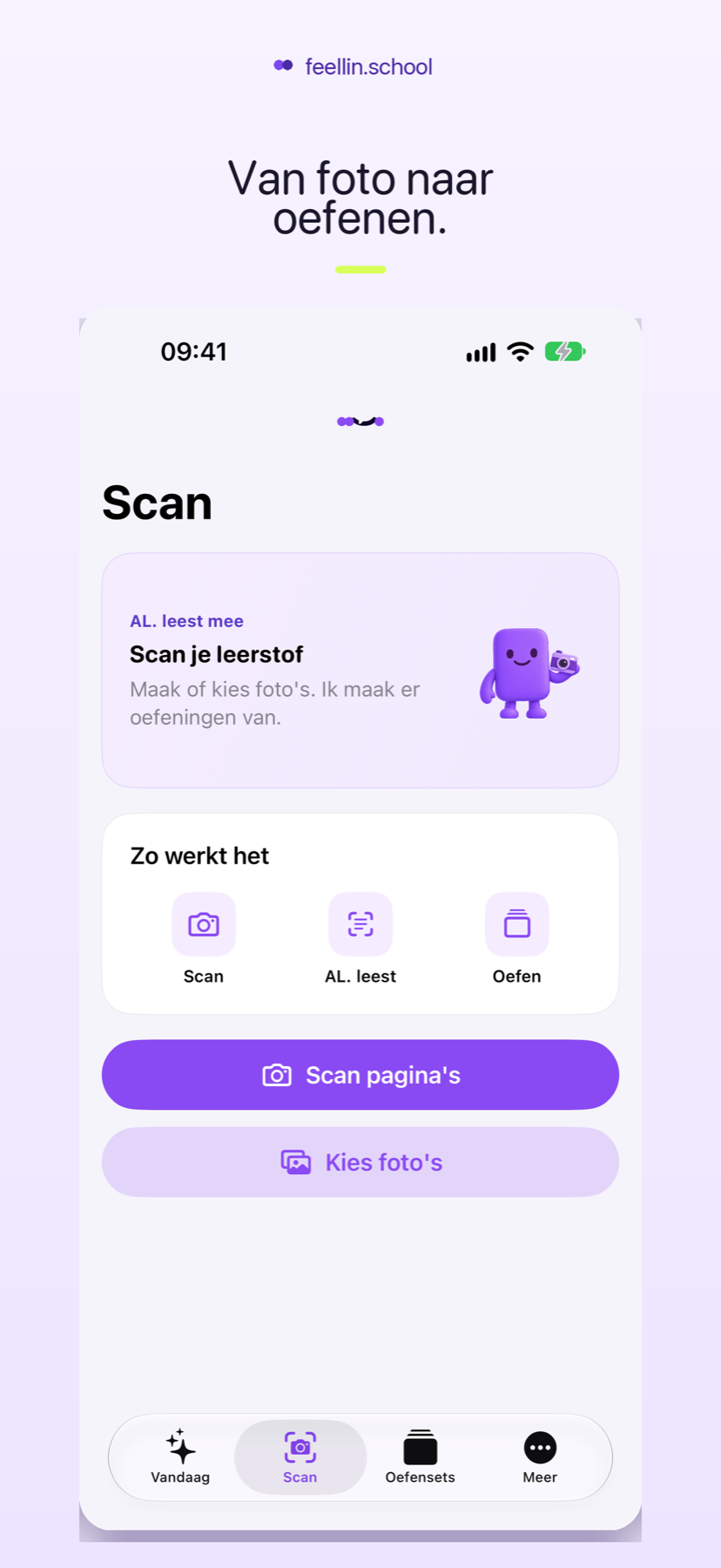
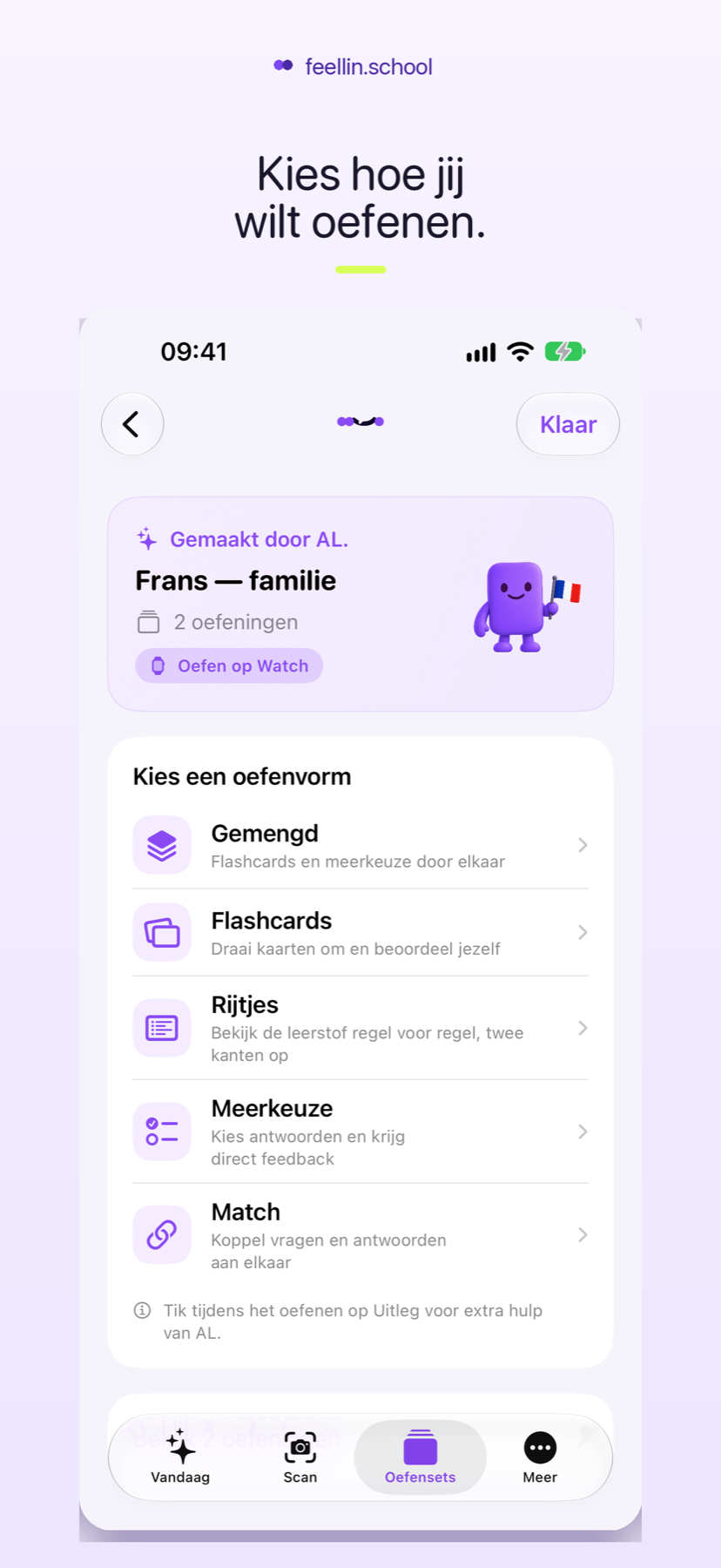
From photograph to practice.
Scan what you need to learn, choose a practice mode and use short moments to make progress.
Installation help
Not working immediately?
The exact button can differ between browsers. These answers will help.
Do I need an account?
No. You can use feellin.school without an account.
Why can’t I see an installation button?
First check that the web app is open in Chrome or Safari. On Android, the installation option can also be in the three-dot menu. The button will not appear again if the web app is already installed.
Can I simply practise in the browser?
Yes. Installation is optional; the web app also works directly at webapp.feellin.school.