
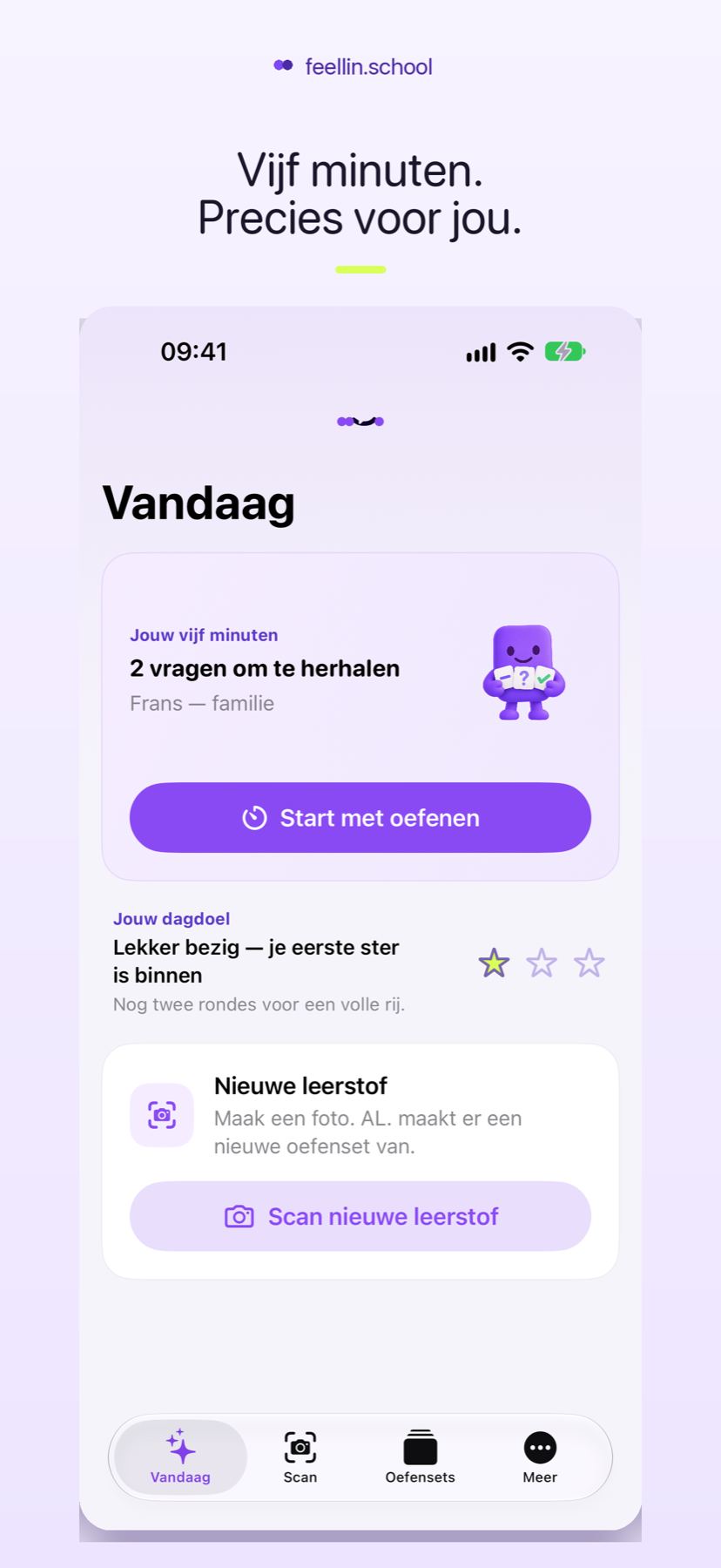
Today
Five minutes prepared for you.
AL. selects useful repetition from your own study sets.
Practice built from your own study material
AL. reads your study material and turns it into flashcards, rows, multiple-choice questions and matching exercises. Use feellin.school on iPhone, Android or the web — and practise on Apple Watch too.
Available on the App Store
 Meet AL.Your learning assistant
AL. helps inside the appFrom study material on paper to practice on your phone.
Meet AL.Your learning assistant
AL. helps inside the appFrom study material on paper to practice on your phone.
How feellin.school works
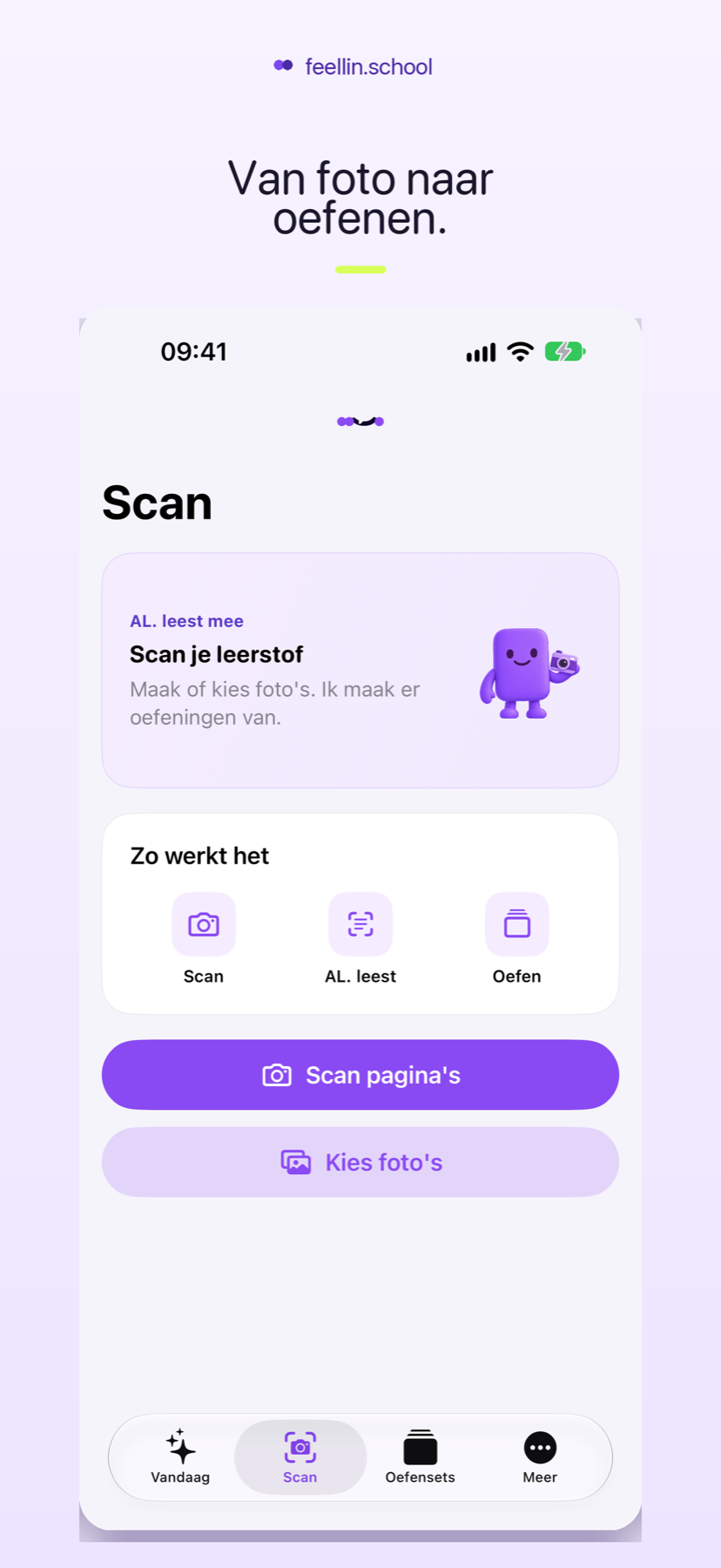
Photograph what you need to learn. AL. prepares the set. You start practising.
Use clear photographs from one subject or chapter.
Your material becomes flashcards and different types of practice.
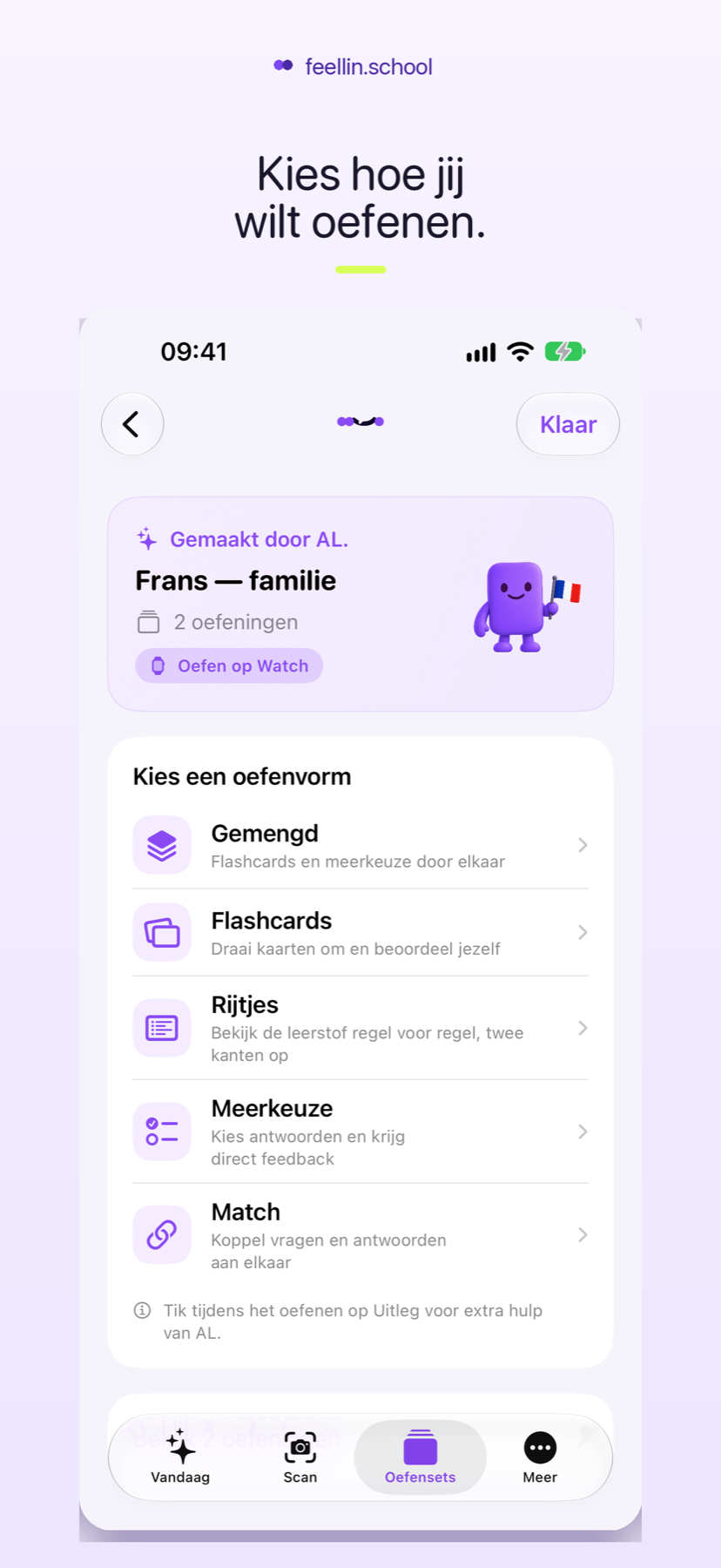
Review the set, choose how to practise and repeat what still feels difficult.
A native iPhone app
Open the app and continue where you left off. Your study sets and progress stay together on your iPhone.
AL. selects useful repetition from your own study sets.
Make new material ready to practise.
Vary the format and see difficult questions more often.
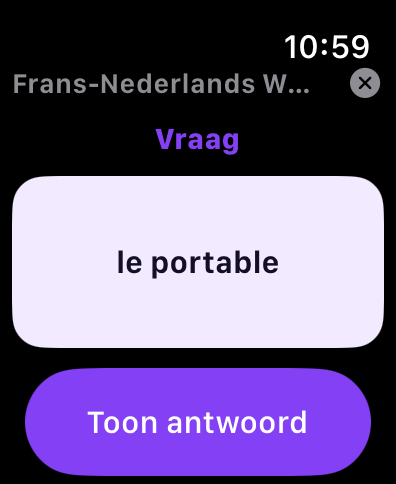
feellin.school for Apple Watch
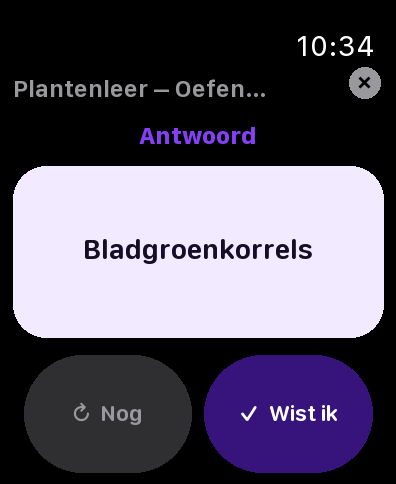
Choose a study set for your Watch on iPhone. Then practise a few cards on your wrist without picking up your phone.
The Apple Watch app is installed with the iPhone app.
Smarter repetition
Tell AL. what you knew and what was still difficult. Challenging questions return more often and your next five minutes focus on what helps now.
Simple pricing
Practice with existing sets remains unlimited. You only pay when you want to create more study sets.
new study sets
Good to know
Vocabulary, concepts, summaries and other clear study material from subjects such as languages, biology, history and geography. You always review the set before practising.
No. The app does not ask for your name, date of birth or a password. Your sets and progress stay on the device where you practise.
Yes. Open the web app in your browser. On Android, you can add feellin.school to your home screen so it opens like any other app.
You can keep practising existing sets. To create new sets, buy a one-time bundle of 150 in the app. The store shows the local price.
No. The full experience works on iPhone. The Watch app adds short practice moments throughout your day.
Yes. With the same Apple Account, the app can synchronise previous bundle purchases.
Yes. Turn a study set into a short test and share the link. Friends can join without an account. Photographs and the complete study set are never shared.
Ready to practise differently?